
Diploma in Graphic & Video Design Masterclass
About Course
Diploma in Graphic & Video Design Masterclass
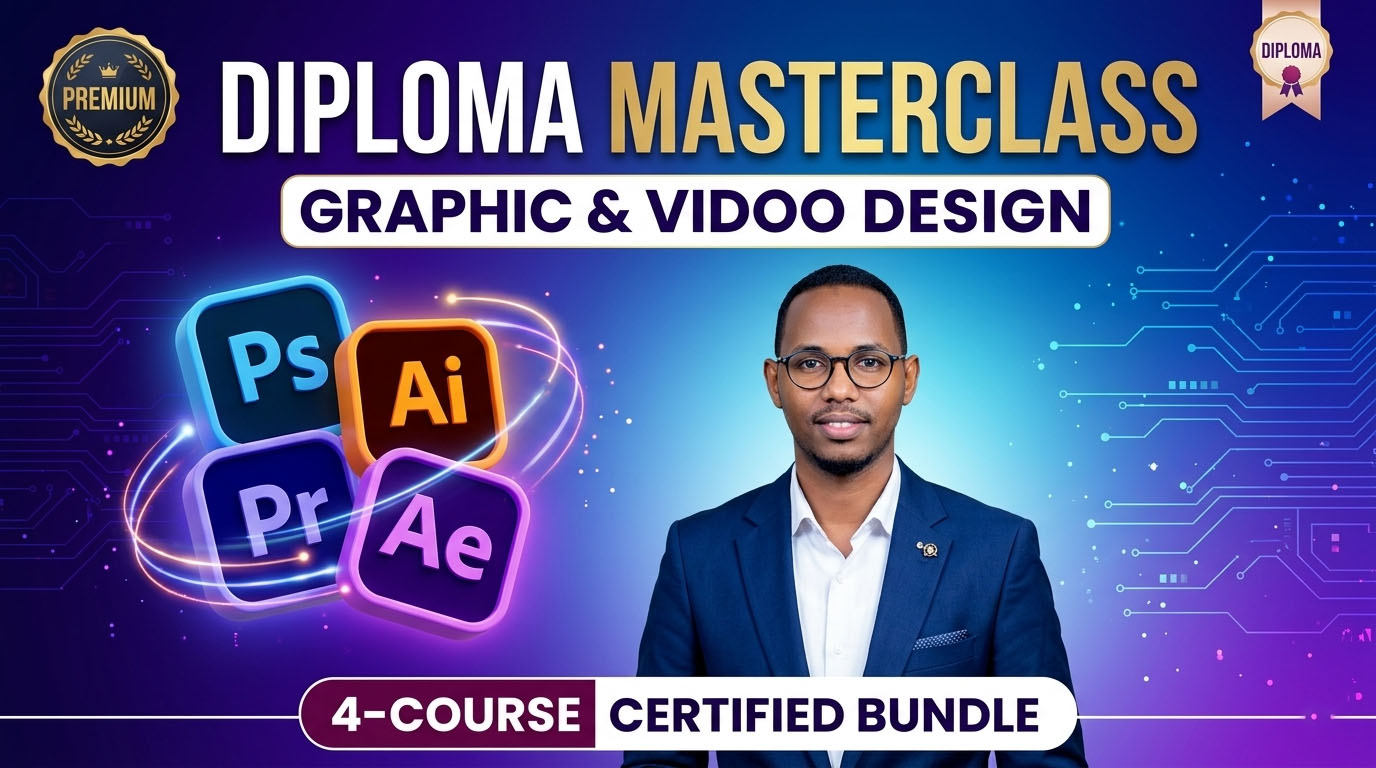
Ma rabtaa inaad noqoto naqshadeeye dhammaystiran oo yaqaanna samaynta sawirada iyo muuqaallada heerka caalami? Diploma-dan ma ahan kaliya barashada software-ka, ee waa barnaamij shaqo-ku-talogal ah oo aad ku baran doonto 4-ta barnaamij ee ugu caansan dunida: Photoshop, Illustrator, Premiere Pro, iyo After Effects.
Waxaad ka soo bilaabi doontaa eber (Zero) ilaa aad ka gaarto heer aad mashaariic waaweyn u fuliso shirkadaha iyo ganacsiyada.
casharada waxay ka kooban yihiin 161 Lessons and More
Maxaad ku baran doontaa Diploma-dan?
- Adobe Illustrator: The Art of Vector
- Samaynta Logos xirfad leh oo aan dhismihiisu isbeddelin.
- Naqshadaynta agabka xafiisyada (Business Cards, ID Cards, Letterheads).
- Samaynta boorar xayeysiis oo waaweyn (Roll-up Banners & Wedding Boards).
- Adobe Photoshop: Creative Image Mastery
- Habaynta iyo qurxinta sawirada (Advanced Photo Editing).
- Samaynta xayeysiisyada baraha bulshada (Social Media Posts).
- Isku-darka sawirada (Photo Manipulation) si aad u abuurto farshaxan cusub.
- Adobe Premiere Pro: Cinematic Video Editing
- Jar-jarista iyo isku-xirka muuqaallada (Storytelling).
- Habaynta codka iyo saamaynta maqal (Audio Editing).
- Color Grading: Sida muuqaalka looga dhigo mid tayo sare leh (Cinematic).
- Adobe After Effects: Motion Magic
- Samaynta Motion Graphics iyo Animation-ka.
- Logos-ka dhaq-dhaqaaqa leh (Logo Animation).
- Saamaynta gaarka ah (Visual Effects) ee muuqaallada lagu qurxiyo.
Maxaa u gaar ah koorsadan?
- Project-Based Learning: Ma baranaysid teori, cashar walba waxaad ku samaynaysaa mashruuc dhab ah.
- Portfolio Ready: Markaad dhammayso, waxaad haysan doontaa ugu yaraan 10 mashaariic oo aad shaqo ku raadsan karto.
- Skill for Freelancing: Waxaad baranaysaa xirfado aad lacag kaga samayn karto gurigaaga adigoo u shaqaynaya macaamiil caalami ah.
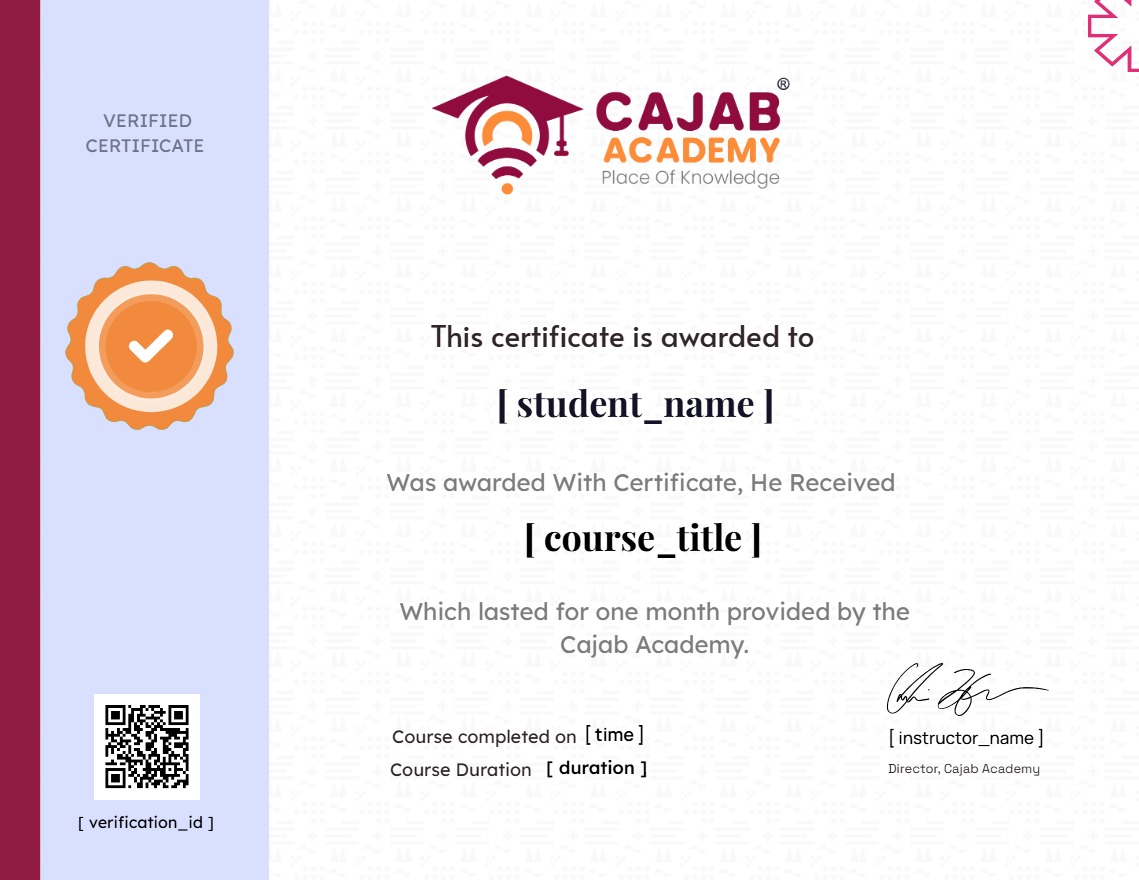
- Certificate included: Waxaad helaysaa shahaado caddaynaysa aqoontaada.
Yaa loogu talagalay?
- Qof kasta oo raba inuu bilaabo shaqo dhanka hal-abuurka ah (Creative Career).
- Ganacsatada raba inay iyagu u samaystaan xayeysiisyada shirkaddooda.
- Ardayda barata media-ga iyo isgaarsiinta.
Ku soo biir hadda, oo u beddel hal-abuurkaaga xirfad aad lacag kaga samayso!
Course Content
Introduction
-
Course Overview
Adobe Photoshop Masterclass
-
Launching Photoshop and setting
-
Explains how to set up
-
Workspace
-
How to bring external photos
-
Used to pick up and move layers
-
Different view modes
-
Rectangular or square selections
-
Allows for straight-edged selections
-
Quick Selection Tool
-
Remove unwanted outer edges
-
Allows you to create placeholder frames
-
Sample a color from any part of an image
-
Remove small blemishes, spots
-
Tool for painting, drawing, and masking.
-
Copies pixels from one part of an image to paint
-
Allows you to paint back to a previous state of your image
-
Removes pixels from a layer, making those areas transparent
-
Creates a smooth transition between two or more colors.
-
Softens hard edges or reduces detail in specific areas
-
Lightens specific areas of an image
-
The most precise tool for creating custom shapes
-
To add and format typography
-
To select and move the vector paths created by the Pen Tool
-
Creates perfect geometric shapes like rectangles
-
Allows you to “push” when you are zoomed in close
-
Magnifies or shrinks the view of your project.
-
Explains how to customize the vertical bar on the left
-
Explains how Photoshop uses “Layers”
-
Basic controls for making an image lighter or darker 1
-
Basic controls for making an image lighter or darker 2
-
Reduce More light an Image
-
Making an image lighter or darker.
-
Simulates changing the amount of light
-
Colors without making skin tones look orange
-
Changes the actual color (Hue) and the intensity
-
The colors toward Cyan/Red, Magenta/Green
-
Converts color images to monochrome with control
-
Allows you to change a specific color without
-
Create Professional brand
-
To create an official organizational mark
-
Create Billboard: Focuses on large-format design
-
It makes your design as real item
-
Rollup: Similar to billboard design but for vertical
-
To creative professional certificate design
-
Creative design Invoice A5
-
Creative design Invoice A6
-
Design the card that people can get your Info
-
Learn how Create your Own Mockup
-
Tips & Tricks: Easy way to remove image in BG as professional
Adobe Illustrator Masterclass
-
Mastering the Illustrator Interface & Workspace
-
The Magic of Selection (How to Use Magic Wand)
-
Vector Precision: The Pen Tool Essentials
-
Creative Curves: Working with the Curvature Tool
-
Building with Geometry: Shapes & Composition
-
Dynamic Strokes: The Width Tool Techniques
-
Color & Depth: Mastering the Gradient Tool
-
Geometric Surgery: Mastering the Pathfinder Tool
-
Professional Logo Design Workflow
-
Modern Business Card Design
-
Corporate ID Card Systems
-
Professional Certificate & Award Design
-
Custom Notebook Cover Design
-
Elegant Wedding Invitations
-
Social Media Graphics: Juma Mubarak Post Design
-
Administrative Design: Professional Invoice Letters
-
Precision Stamp & Seal Design
-
Large Format: Wedding Board Design
-
Marketing at Scale: Roll-Up Banner Design (P1)
-
Marketing at Scale: Roll-Up Banner Design (P2)
Adobe Premiere Pro Masterclass
-
Introduction to Adobe Premiere Pro
-
What Can Premiere Do?
-
Understanding Media Storage & Project Management
-
Creating a New Document
-
The Interface Overview
-
Customizing Your Workspace
-
The Timeline Panel
-
The Project Panel
-
The Program Monitor
-
The Source Monitor
-
How to Import Video
-
Importing Multiple Media Files
-
Video Editing Fundamentals
-
Replacing Clips Efficiently
-
Speed, Duration & Time Remapping
-
Unlinking Audio & Video
-
Sequence Management
-
Exporting a Single Frame (Thumbnail)
-
Video Export Settings
-
Finding Free Stock Video Resources
-
The Selection Tool
-
The Ripple Edit Tool
-
Track Selection Tools
-
The Razor Tool (Cutting)
-
The Slide Tool
-
The Pen Tool
-
The Hand Tool (Navigation)
-
The Type Tool (Text)
-
Positioning Your Media
-
Scaling & Sizing
-
Rotation Techniques
-
Opacity & Transparency
-
Basic Color Correction
-
Creative Look Adjustments
-
Working with Color Curves
-
Creating Custom LUTs
-
Applying Video LUTs
-
Using Built-in Presets
-
Lumetri Color Presets
-
Advanced Audio Effects
-
Professional Audio Transitions
-
Visual Video Effects
-
Removing Backgrounds (Green Screen)
-
Video Transitions
-
Project 1: Video Assembly
-
Creating Videos Optimized for TikTok
-
Adding Glow Effects to TikTok Videos
-
Media Management Lessons (Part 1)
-
Media Management Lessons (Part 2)
-
Reducing Video File Size (Compression)
-
Real-World Project Video
-
Ceremony Project Video
-
Full Ceremony Editing
-
Wedding Video Overview
-
Editing a Full Wedding Video
-
Commercial Advert Project
-
Professional Advert Video Production
-
Tips & Tricks : How to solve when video not imported in timeline
-
Tips & Tricks : How to Copy any Color you like and Past your Video
Adobe After Effect Masterclass
-
Intro to After Effects Structure.
-
How the Software Works.
-
Compositions & Keyframes.
-
Footage & Asset Management.
-
2D vs. 3D Dimensions.
-
The 5 Production Essentials.
-
New Project Setup.
-
Interface & Panels Guide.
-
Customizing Your Workspace.
-
Locking Background Layers
-
Screen view & Navigation.
-
Creating Gradient Backgrounds.
-
Adjusting Gradient Ramps.
-
Text Entry Basics.
-
Positioning Techniques 1.
-
Positioning Techniques 2.
-
Scaling & Proportions.
-
Rotation Controls.
-
Opacity & Transparency.
-
Selection Tool
-
Hand Tools.
-
Zoom Tools.
-
Rotate Tools.
-
Pan Behind & Anchor Points.
-
Shape Tools.
-
Pen Tools.
-
Advanced Text Design.
-
Brush Tools.
-
Clone Tools.
-
Eraser Tools.
-
Roto Brush Background Removal.
-
Pin Position Puppet Animation.
Earn a certificate
Add this certificate to your resume to demonstrate your skills & increase your chances of getting noticed.
Student Ratings & Reviews
